FitBuddy
HomeSeptember 21, 2025
My First App Store Submission: What I Learned the Hard Way
Published: September 21, 2025
Internal testing, store assets, and privacy — the real submission work
As a first-time app developer, I thought the hardest part would be building the app itself. Turns out, getting it into the App Store and Google Play Store is a whole other challenge that nobody really prepares you for.
The Registration Process: Easier Than Expected
Let me start with the good news - actually registering for both stores was pretty straightforward. I went with individual developer accounts for both:
- Apple Developer Program: $99/year
- Google Play Console: $25 one-time fee
The process was mostly just filling out forms and waiting for verification. If you're planning to register as a business, be prepared for more complexity and documentation requirements. As an individual, it was relatively painless.
Internal Testing: Your First Reality Check
Here's something I wish I'd known earlier - you can't just submit your app and have it go live immediately. Both platforms require you to start with internal testing.
The internal testing phase was actually really valuable. I had to reach out to friends and family to test the app, which gave me:
- Real user feedback before going public
- A chance to catch bugs I'd missed
- Practice with the whole submission and distribution process
Getting people to actually download and test your app is harder than you'd think. Even close friends sometimes forget or get busy. Plan for this and ask more people than you think you'll need.
The Public Release Roadblock
Once I felt ready to publish publicly, that's when I hit the real walls.
Google Play's 14-Day Rule
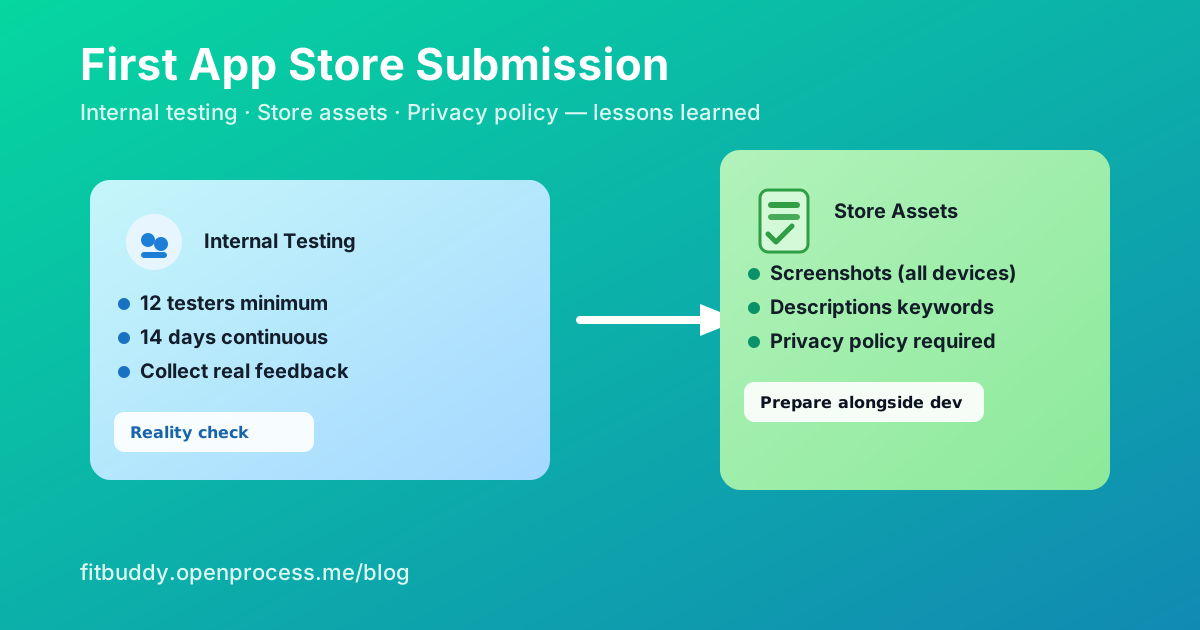
The most frustrating surprise was Google Play's requirement for new personal developer accounts: you cannot publish a public app until you've had at least 12 internal testers for a minimum of 14 days.
This completely caught me off guard. I'd been testing internally for a few days and thought I was ready to go public, but Google basically said "slow down, prove this isn't spam first."
So if you're planning to launch on Google Play, factor in at least 2-3 weeks of internal testing time. Start recruiting testers early!
The Information Overload
Both stores require way more information than I expected:
App Store Connect & Google Play Console both want:
- Detailed app descriptions (short and long versions)
- Keywords and categories
- Age ratings and content warnings
- Privacy policy (mandatory!)
- App icons in multiple sizes
- Screenshots for every device size they support
Screenshot Hell
Speaking of screenshots - this was more tedious than building half the app features. You need screenshots for:
iOS:
- iPhone (multiple sizes)
- iPad
- Apple Watch (if applicable)
Android:
- Phone
- 7-inch tablet
- 10-inch tablet
I used simulators to capture these, which worked well but took forever. Pro tip: use the simulator's screenshot feature rather than trying to resize real device screenshots.
Privacy Policies: Not Optional
Both stores now require privacy policies, even for simple apps. I initially thought I could skip this since my app doesn't collect much data, but it's mandatory regardless.
I ended up using a privacy policy generator online and customizing it for my app's specific data handling.
What I'd Do Differently
Looking back, here's what I'd change for my next app:
- Start internal testing immediately - Even with a basic MVP, get the testing process going
- Recruit testers early - Ask friends/family to commit before you need them
- Prepare store assets alongside development - Screenshots, descriptions, privacy policy
- Factor in 3-4 weeks for the full store process - It's not a quick weekend task
The Light at the End of the Tunnel
Despite all the hurdles, both stores eventually approved the app. The review process itself was faster than expected (2-3 days for both), but getting to that point took much longer than anticipated.
The whole experience taught me that app development isn't just about writing code - there's a whole business and marketing side that's equally important and time-consuming.
Next Steps
Now that the app is live, I'm focused on getting real user feedback and iterating on the features. The next blog post will cover the initial user response and what features users are actually asking for.
Building this app in public has been an incredible learning experience. Follow along as I document the entire journey from idea to launch at fitbuddy.openprocess.me/blog